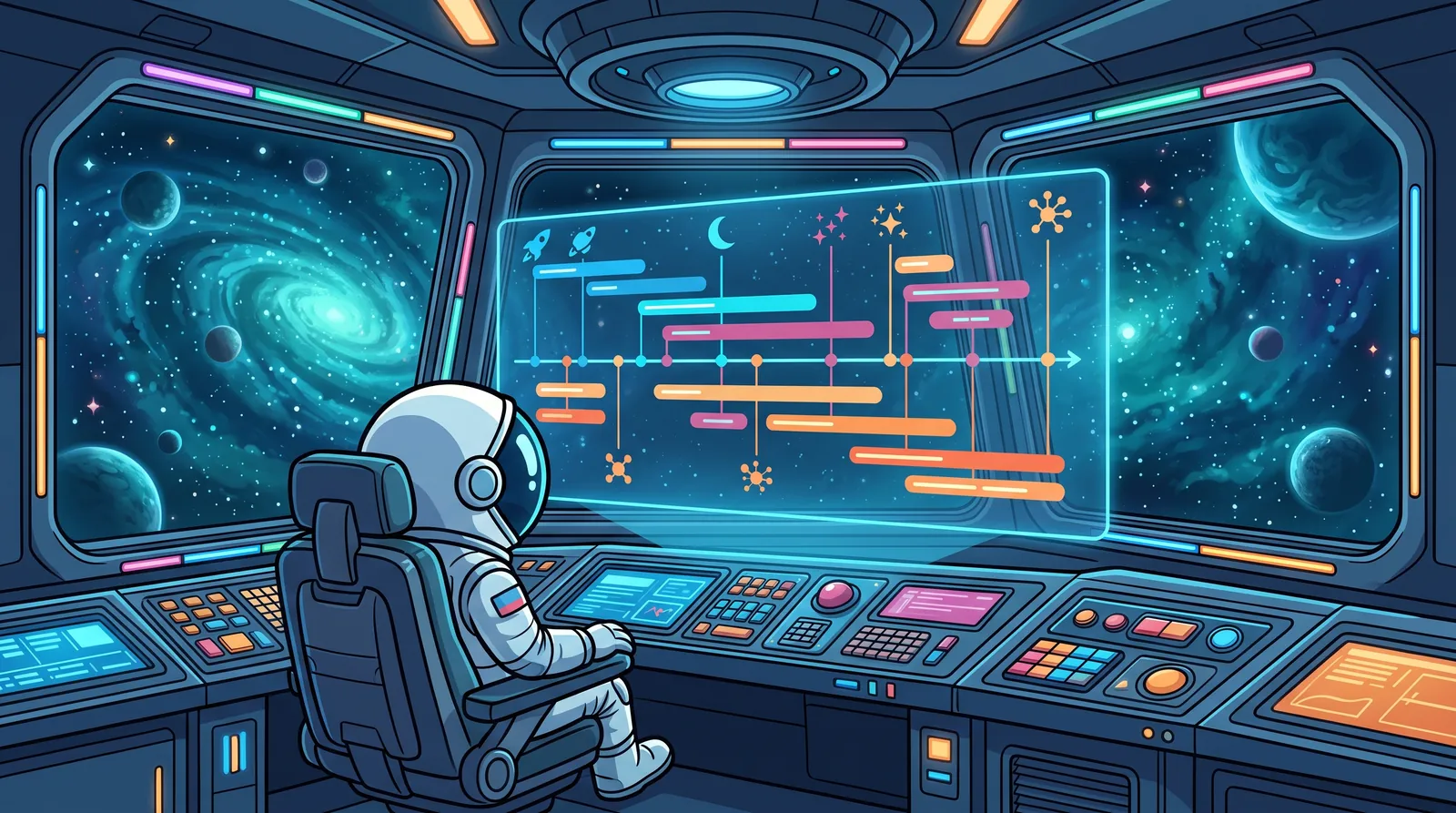
A Gantt chart is a visual representation of a project schedule. Tasks are listed on the left, time runs along the top, and each task is a horizontal bar. The start of the bar is when the task begins, the end is when it finishes, and its length is the duration. At a glance you can see what happens when, what runs in parallel and what follows what.
The chart is named after Henry Gantt, an American engineer who popularized it in the early 20th century. It has been one of the best known project planning tools ever since.
How to read a Gantt chart
A typical Gantt chart has a few elements.
- Task rows. Each row is a task, often grouped by phase or part of the project.
- Timeline. Divided into days, weeks or months, depending on the length of the project.
- Bars. The planned duration of a task. If two bars overlap in time, the two tasks run at the same time.
- Milestones. Key points on the timeline, such as a delivery or an approval. They have a date but no duration.
- Today marker. A vertical line that shows what is behind and what is on track.
Many tools also draw arrows between bars. These show task dependencies, meaning one task can only start after another. There is a separate article on task dependencies.
What a Gantt chart is good for
Its biggest strength is time. A list tells you what needs to be done. A Gantt chart also tells you when, and what order that implies.
It works well for scheduling. When you plan a project, the chart shows where tasks pile up and where there is idle time.
It helps you spot deadline risk. If an important bar sits at the very end of the project with no slack after it, the chart makes that obvious right away.
It is also a good communication tool. Explaining a schedule to a client or a manager is much easier on a timeline than in a table.
When a Gantt chart is not the right choice
Gantt charts are built for multi-step projects with deadlines. Not all work looks like that.
It adds little to ongoing work. A support team’s daily tasks or a steady stream of incoming requests don’t belong on a timeline. A list or a Kanban board shows more there, because the state of the work matters more than its timing.
Poor estimates create false confidence. Every bar length is an estimate. If the estimate is made up, the chart looks precise when it isn’t. It pays to estimate the project’s duration first and draw the chart afterwards.
Too much detail is hard to maintain. If every small to-do gets its own bar, the chart becomes unreadable and every change means edits in many places. Gantt charts work best at the level of larger work items.
What a Gantt chart doesn’t show
The chart shows time, but not everything that leads to delays.
It doesn’t show workload. Two overlapping bars might belong to two different people or to the same person. In the second case the plan works on paper but not in reality.
It doesn’t show causes. A late bar is visible, but not why it is late or which other task is waiting on it. When dependencies branch in many directions, a dependency graph often shows the chain better than a timeline.
That is why a Gantt chart shouldn’t be your only view. In MyPro Sync, for example, the same set of tasks is available in four views: a list, a Kanban board, a Gantt timeline and a dependency graph. Each Gantt bar is drawn from the estimated hours recorded on the task, so the chart is exactly as reliable as the estimate.
How to get started
You don’t need a complex tool for your first Gantt chart. A few steps are enough.
- Collect the project’s main tasks, grouped by phase.
- Estimate how long each one takes.
- Mark which task waits on which.
- Place them on the timeline in order.
- Add the milestones and the final deadline.
When you are done, look at where work piles up and where there is no slack. Those are the points to watch most closely during the project.